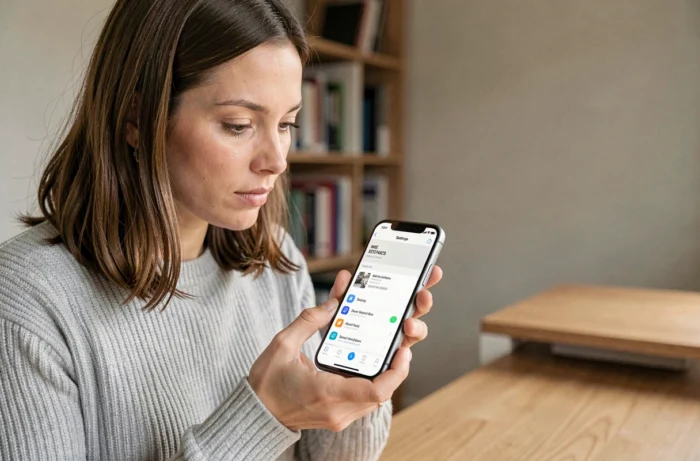
Each iPhone comes with a unique fifteen-digit identifier, engraved at the time of manufacturing: the IMEI code. This number, which stands for International Mobile Equipment Identity, allows mobile operators to precisely identify your device on their network. Knowing your IMEI and how to use it protects against theft, facilitates procedures with an operator, and avoids unpleasant surprises when buying second-hand.
Limits of IMEI blocking: what the French network does not cover
When an iPhone is reported stolen, the operator registers its IMEI in a database shared by all French operators. The phone is then denied every attempt to connect via voice, SMS, or data on the territory. This mechanism is effective locally, but it has blind spots that are rarely explained.
IMEI blocking remains strictly national. An iPhone blacklisted in France can be reactivated on a foreign network without difficulty. Unscrupulous resellers exploit this loophole by exporting stolen devices.
Wi-Fi is also not affected by the blocking. An iPhone blocked on mobile networks continues to function like an iPod: web browsing, instant messaging, applications, everything remains accessible via Wi-Fi. To truly limit the use of a stolen device, IMEI blocking must be combined with iCloud activation lock, which prevents any reset without the owner’s Apple password.
Before moving on to methods for recovering your number, it is useful to learn everything about the IMEI code to understand the extent of its everyday uses.
Finding the IMEI number on iPhone: three reliable methods
You may have already noticed that your iPhone displays dozens of pieces of information in its settings? The IMEI code is there, but it’s not the only place. Here are the three most direct ways to retrieve it.
- Via iOS settings: open Settings, then General, then About. Scroll down to the IMEI line. You can hold your finger on it to copy it to the clipboard.
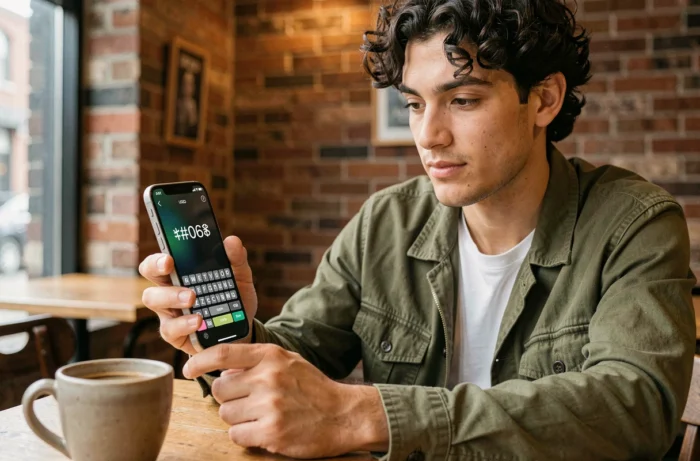
- By dialing the universal code: type *#06# on the phone keypad. The IMEI will instantly display on the screen without making a call. This method works on all mobile phones, not just iPhones.
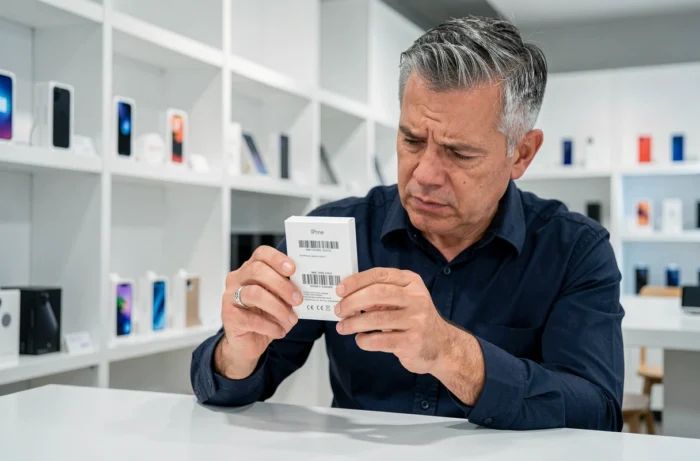
- On the original box or invoice: the IMEI code is on the label stuck to the back of the packaging and on your purchase invoice. Keep these documents in a safe place, separate from your phone.
If your iPhone is a dual SIM model (physical + eSIM), two distinct IMEI numbers will appear. Each corresponds to a line. Note both to cover all your subscriptions.
Theft report and IMEI: the online procedure from 2024
Since October 15, 2024, the Ministry of the Interior allows online filing of complaints for property offenses with an unknown perpetrator. The digital process explicitly requests the IMEI number of the stolen device. Without this number, network blocking cannot be triggered.
Concrete steps after a theft
Act quickly. Contact your operator to suspend the SIM line. Then file your complaint (online or at the police station) indicating the IMEI. The operator will block the device on French mobile networks as soon as they receive the report.
Simultaneously activate lost mode via iCloud (Find My iPhone). This mode locks the screen, displays a personalized message, and disables Apple Pay. The iCloud activation lock complements the IMEI blocking by making the device unusable even on Wi-Fi, as long as your Apple ID is not entered.
Beware of phishing after theft
Phishing campaigns target owners of stolen iPhones. The scenario is simple: you receive a text message or a call claiming that your iPhone has been found, with a link prompting you to enter your Apple credentials. Apple never contacts you via SMS to return a device. If you receive this type of message, ignore it and report it.
Check the IMEI before buying a second-hand iPhone
Buying a second-hand iPhone without checking its IMEI is like buying a car without verifying the certificate of non-encumbrance. The main risk: acquiring a device reported stolen, and therefore blocked on French networks.
Ask the seller to show you the IMEI directly in Settings > General > About. Compare this number with the one displayed via *#06#. If they differ, the device has likely been tampered with, which is a serious red flag.
Also check the status of the activation lock. If the previous owner has not dissociated their iCloud account, you will not be able to set up the iPhone with your own Apple ID. Require the iCloud disconnection in front of you before paying.
IMEI and operator change: unlocking
Some iPhones purchased with a plan are locked to the original operator’s network. To use a SIM card from another operator, you must request unlocking. This operation is performed with your operator, who identifies your device using its IMEI.
In France, unlocking is free after a certain period following the purchase. The request is usually made from the online customer area. Keep your IMEI handy to speed up the process.
The IMEI remains the same after unlocking, a reset, or an iOS update. It never changes during the life of the device, except for illegal manipulation of the internal software.
The best habit to adopt: note your IMEI code somewhere outside of your phone, from the day of purchase. A simple memo in a password manager is enough. The day you need it, you will be glad not to have to search for the box at the back of a closet.